


How to Install Python
Here is how I intalled Python on my computer.....
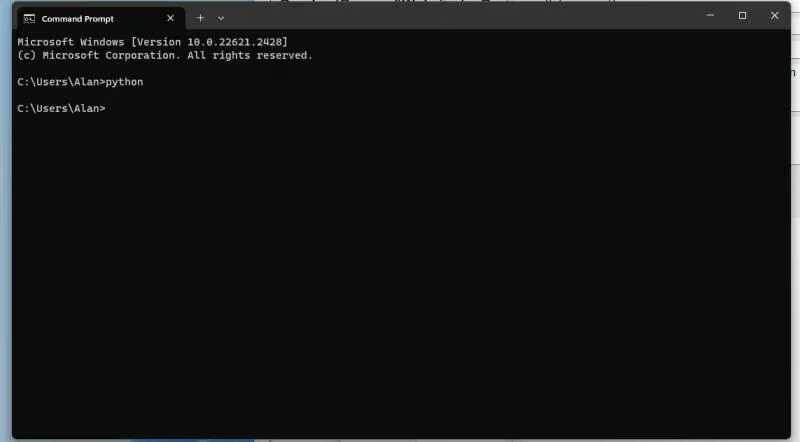
At the Command Prompt the was no Python.....
Microsoft Store Automatically Opened
After I went to the command shell, and entered "python" the microsoft store automatically oepend with Python 3.11 selected as the choice of 'gettin'. I clicked the 'Get' button and after about a minute Python was installed on my machine!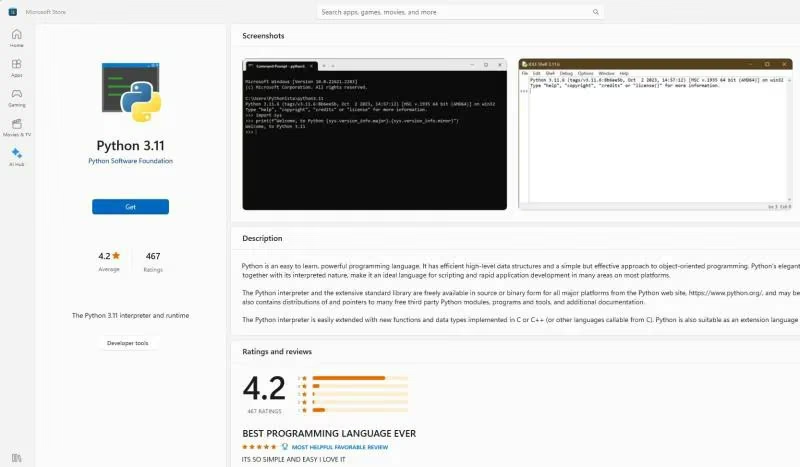
Python Successfully Installed
Again entering Python produces a different result.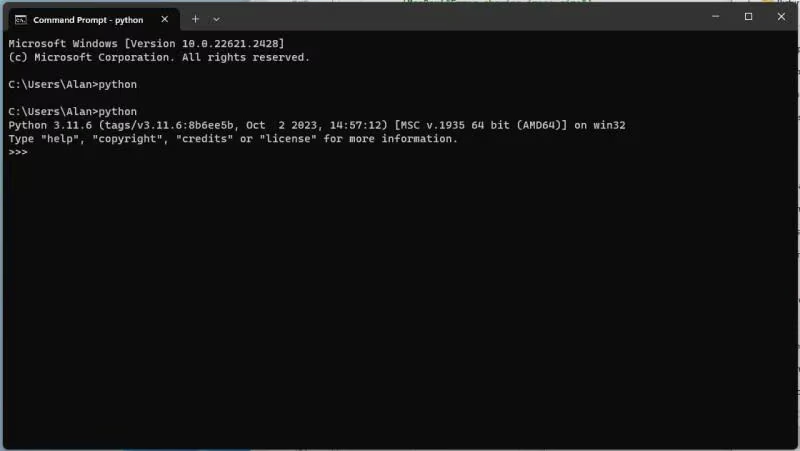
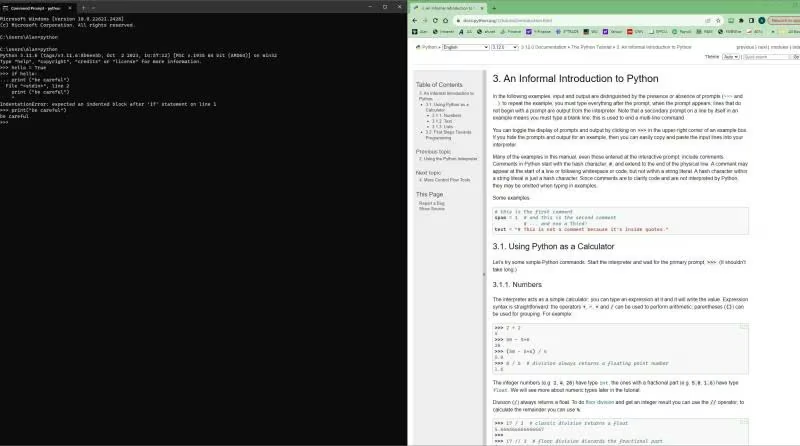
Split Screen Learning and Programming
Now with my split screen I can start learning how to program Python.