


Installing Python 3.11 from Python Software Foundation
Of course trying to use the ChatGPT API is causing me to install a bunch of stuff. This is one of them.....
Fortunately, in the bottom right hand corner there is a blue button that says 'Install', and also 'Show Recommendations'. Install sounded simpler, so I went with that one.

The Microsoft Store Launched with Python 3.11 At-The-Ready
I clicked the Get Button and it started Downloading.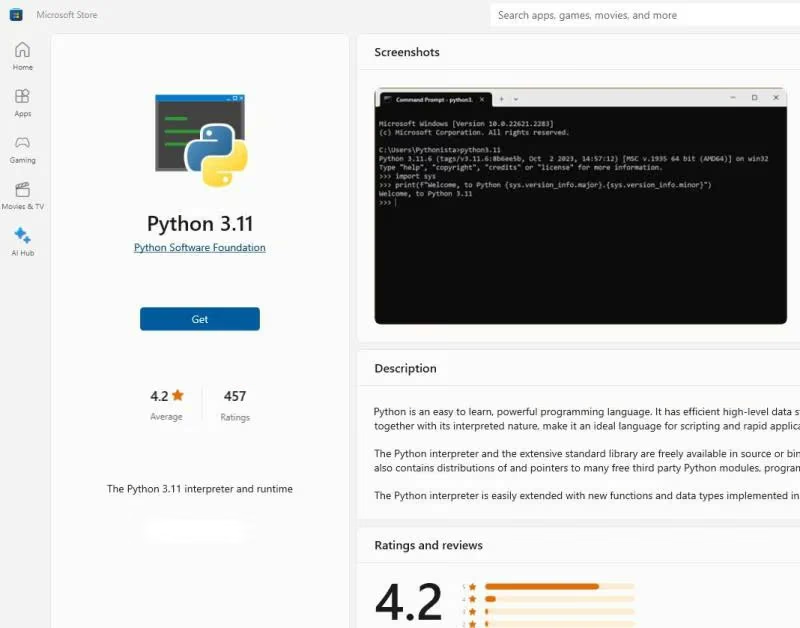
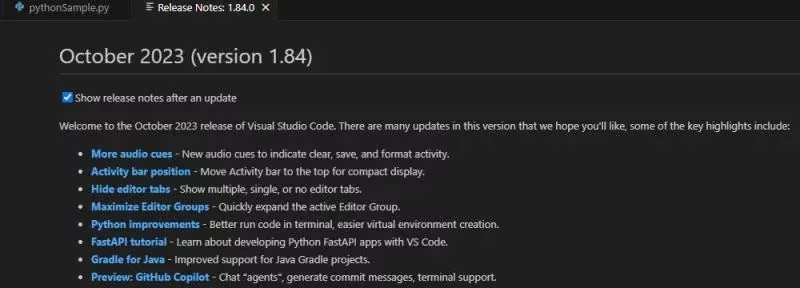
I Closed Visual Studio Code and Restarted
The Python Release Notes loaded on the restart, as the default checkbox is for "Show release notes after an update". One thing that caught my eye was "Fast API tutorial" - Learn about developing Python FastAPI apps with VS Code.I clicked that and wow, I think I am at the top of an iceberg looking down. This New World is SO BIG, and there is so much to learn...
Press Play
Now when I pressed the 'Play Button' in the upper left hand corner, the Python Code ran on the Terminal at the bottom of the screen.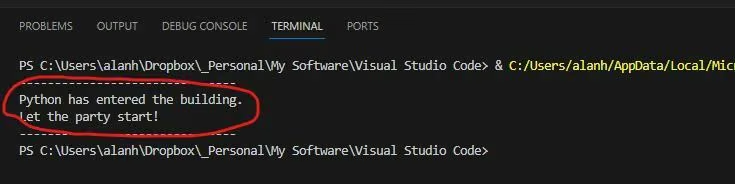
Now For Some HTML
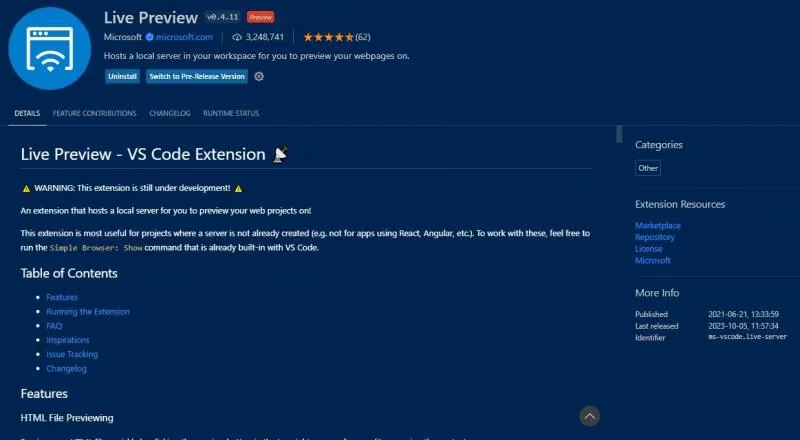
I am starting to figure this out. So I entered to HTML code, and then had to load an Extension called 'Live Preview' from Microsoft.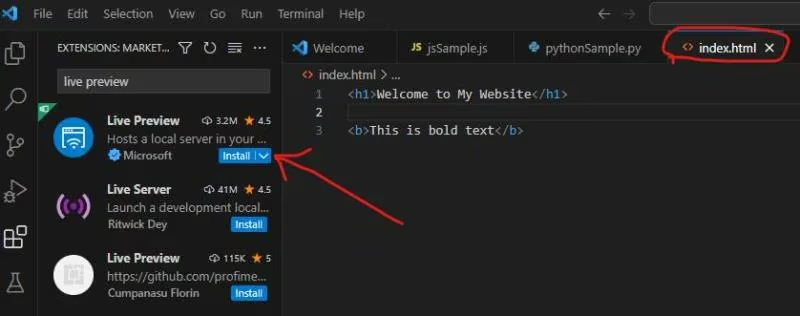
Here is the HTML Live Preview
This 'Book' Icon or Button is in the upper right hand corner to show you the preview.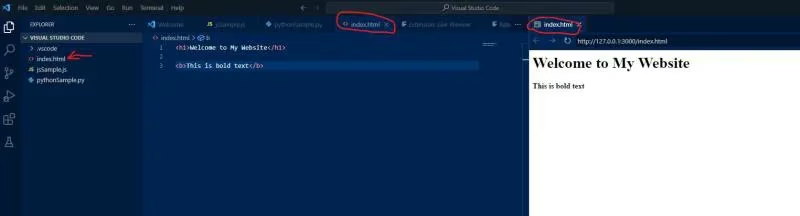
Java Extension for Java Development
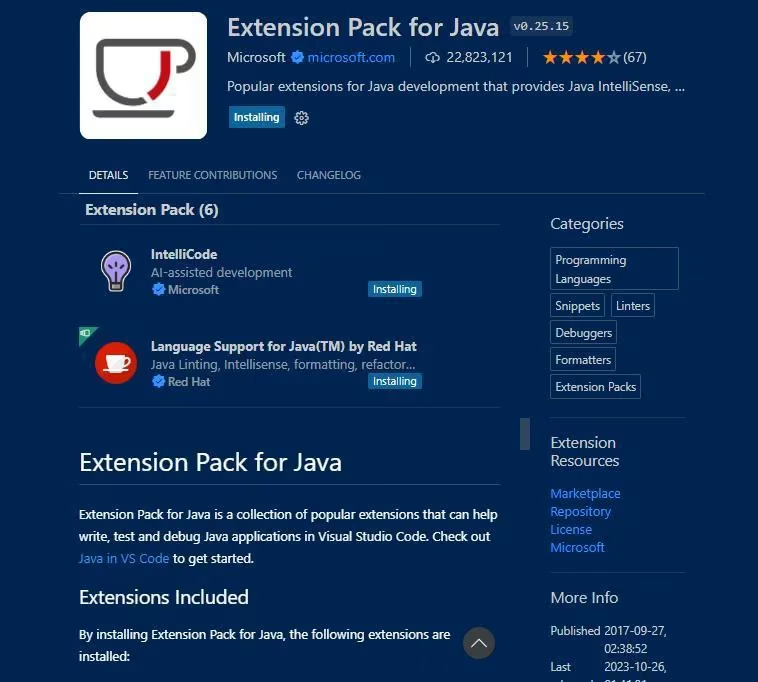
I was not able to run the Java Code until I installed the 'Extension Pack for Java' from Microsoft. This had 22,823,121 downloads. That is just crazy!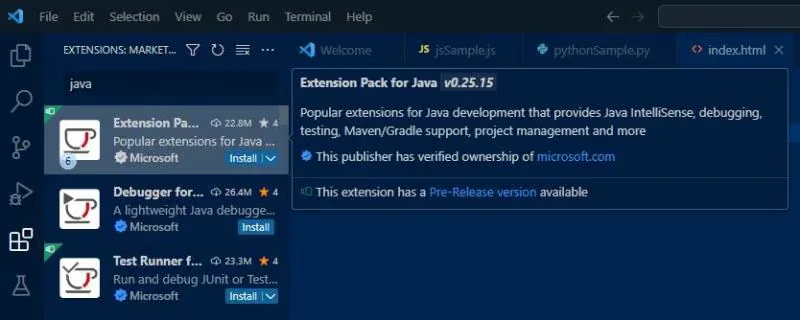
Extension Pack for Java Installation
Live Preview - Extension from Microsoft